
Mujib REST API: read your WhatsApp customers and bookings
The Mujib REST API lets your system read the customers who contacted your business on WhatsApp, Messenger and Instagram, and their bookings, with an API key you create in the dashboard. It is read-only: it does not send WhatsApp messages or change any data, and every response is JSON.
Use it when Mujib’s data should reach another system you run: a reporting dashboard, a sales system, a sheet that keeps itself current. A developer writes a program that asks for the data when it needs it, and Mujib answers with your business’s data only.
What can the Mujib API read?
Section titled “What can the Mujib API read?”It reads three things: your business and the key itself, your customers, and your bookings. Each is one GET request:
| Request | Returns | Scope needed | Reference |
|---|---|---|---|
GET /api/v1/me | The business name, the key’s name and scopes | None | Test a key |
GET /api/v1/contacts | Customers, newest first | contacts.read | List contacts |
GET /api/v1/contacts/{id} | One customer | contacts.read | Get a contact |
GET /api/v1/bookings | Bookings by branch-local day | bookings.read | List bookings |
GET /api/v1/bookings/{id} | One booking | bookings.read | Get a booking |
A key sees the business that created it, and nothing else. Nothing in a request picks a different business, so one business’s key can never reach another business’s data.
Is this a WhatsApp API for sending messages?
Section titled “Is this a WhatsApp API for sending messages?”No. The Mujib API sends no WhatsApp messages, or messages of any kind, and it neither creates nor changes bookings. The agent and your team answer customers from the dashboard.
- To hear about each new customer or booking the moment it happens, use webhooks instead of asking the API every minute.
- For the difference between the WhatsApp Business app and WhatsApp’s official API, read WhatsApp Business app vs WhatsApp API.
- Connecting a WhatsApp number to Mujib happens in the dashboard: see Connect WhatsApp.
How do I start using the API?
Section titled “How do I start using the API?”You need an API key and a program that sends HTTPS requests. The shortest path:
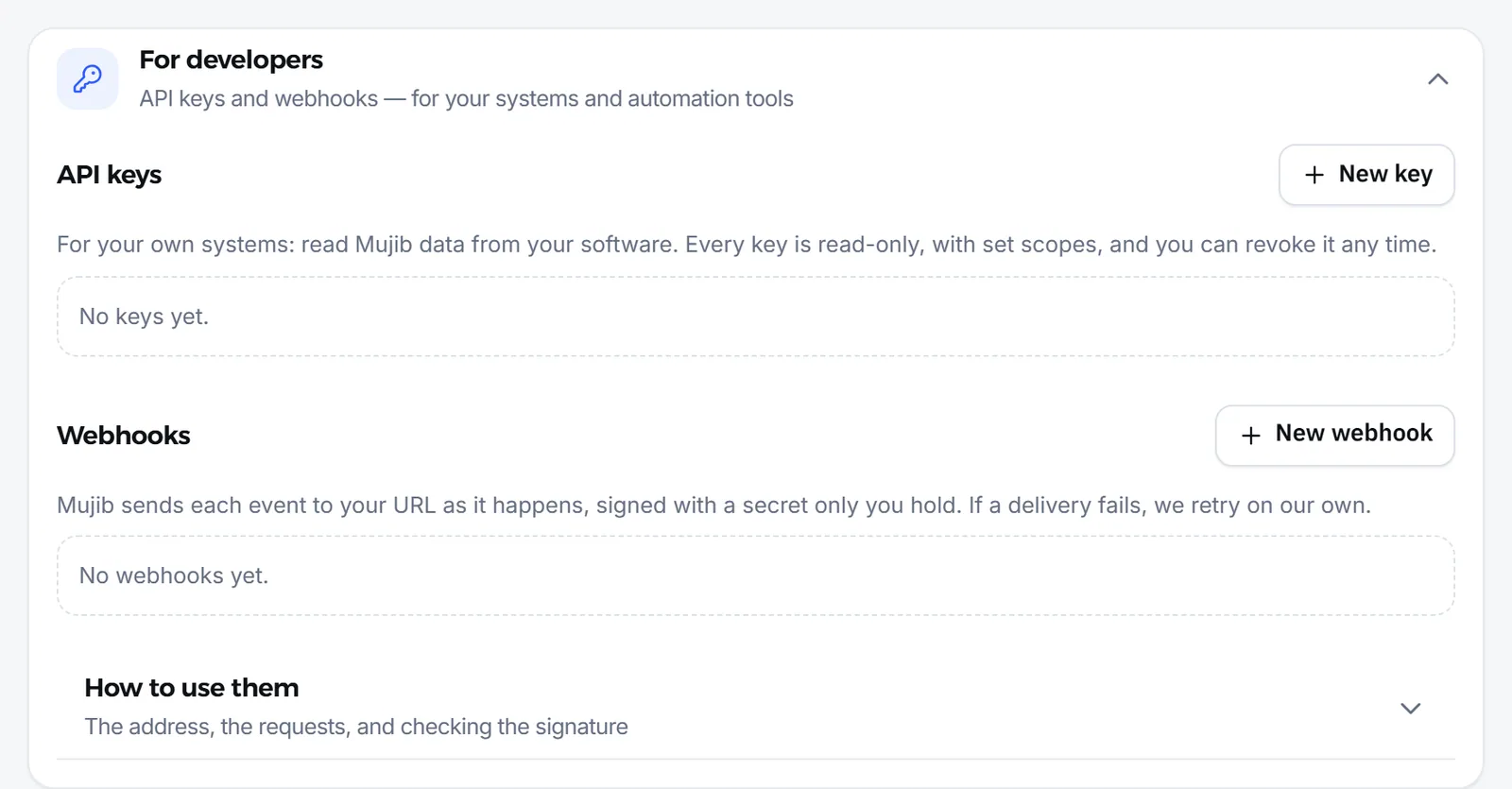
- Create a key in Integrations by pressing the API keys card, and choose what it may read. The full steps are in API keys and authentication.
- Keep the key in an environment variable on your server, such as
MUJIB_API_KEY. - Try the key with
GET /api/v1/me. If it returns your business name, the key works:
curl https://api.mujib.ai/api/v1/me \ -H "Authorization: Bearer $MUJIB_API_KEY"{ "workspace": { "name": "مركز النخبة" }, "key": { "name": "تقارير المبيعات", "scopes": ["contacts.read", "bookings.read"] }}- Read customers or bookings page by page, as cursor pagination explains.
The examples in these pages come in three forms: curl, JavaScript for Node.js with its built-in fetch (save it as an .mjs file), and Python with the requests library.
What is the base URL, and what do requests and responses look like?
Section titled “What is the base URL, and what do requests and responses look like?”The base URL is https://api.mujib.ai/api/v1, and every request is a GET over HTTPS with the key in a header. The shared rules:
- Authentication: an
Authorization: Bearer mjb_live_…header on every request. A dashboard session does not open the API, and the key never goes in the URL. - Responses: JSON. A list comes in
datawith anextCursorfor the next page; a single item comes indata. - Times: UTC instants in ISO format, such as
2026-11-04T18:22:09.117Z. A booking also carries its local time in the branch and that branch’s time zone. - Errors: always
{ "error": { "code": "…", "message": "…" } }. Thecodeis stable; build on it. The list is in API errors and rate limits. - Limit: 60 requests a minute per key.
- Caching: responses are never cached (
Cache-Control: no-store), so every request reads the data as it is now.
Every request and field is also described in the OpenAPI spec, so you can generate a client in your language or import it into an API testing tool.
When should I use the API, webhooks or an AI assistant?
Section titled “When should I use the API, webhooks or an AI assistant?”Use the API when your program should ask for the data itself, and webhooks when Mujib should tell you about an event as it happens.
| You want | Best fit | Why |
|---|---|---|
| A daily report, or a regular sync of customers and bookings | The REST API | Read what you need when you need it, page by page |
| Your system told about a new customer, booking or cancellation at once | Webhooks | Mujib sends the event to your URL; no repeated polling |
| To ask about your business from ChatGPT or Claude | MCP server | Connects the assistant to your account without code |
| Automation tools without code | Automation tools | Ready-made steps built on webhooks |
What does the API not do?
Section titled “What does the API not do?”The API returns the documented fields only, and it never writes.
- No conversations: no message text and no media.
- No internal data: your team’s notes, custom fields, the lead score and what the agent remembers about a customer all stay in Mujib.
- No browser calls: the API does not let browsers call it from other sites’ pages, so call it from your server.
- No create, update or delete: every request is a
GET, and any other method is refused.
Frequently asked questions
Does the Mujib API send WhatsApp messages?
No. The API is read-only. It reads customers and bookings, and it never sends messages or changes data. The agent and your team answer customers from the dashboard.
Who can create an API key?
Only an “Owner” or an “Admin”, from the “Integrations” page. Staff accounts do not see that page.
Can I call the API from my website visitors' browsers?
No. Call it from your server. The API does not let browsers call it from other sites' pages, and a key reads your customers' names and phone numbers, so it must never ship in page code.
How many requests can I make?
60 requests a minute per key. See the errors and rate limits page for the details.
Does the API read conversation text?
No. It reads a customer's basic details and their bookings only. Messages, your team's notes and custom fields stay in Mujib.